FAQ
Questions parents ask
Gakumi is a math practice app for children aged 4 to 13, on iPad and iPhone, where practice earns play time. Plain answers to what a careful parent wants to know, grouped by topic.
The basics
Gakumi is a math practice app for children aged 4 to 13, made by Guidenco, Inc. Children work through short worksheets, with hints, worked examples and a rough-work pad, and earn stars, coins and play time. You choose the play hours and the apps, and you run the rules from your phone. Each child also has a buddy to customize. Gakumi is for iPad and iPhone.
iPad and iPhone only; there is no Android or web version. It needs iPadOS or iOS 16.4 or later, and Apple's Screen Time controls need 18 or later. iPad works in any orientation, iPhone in portrait, and the app is in English. Children can practice offline; what they earn syncs when the device is back online. Check the App Store page for current requirements.
Sign in with Apple, with Google, or with a 6-digit code sent to your email. To connect another device, sign in with the same parent account on it and it joins your family. There are no device codes to type. Family settings such as play hours follow along, while Screen Time permission and the chosen apps stay on the child's device. Your phone has the same parent area as your child's iPad, with four tabs: Today, Chores, Rewards and Settings. See each child's day, add and approve chores, set play hours and reward minutes, and manage your children.
Learning
Math, and only math. There are 13 topics: counting, adding to 10, adding and subtracting to 50, multiplication, division, fractions, decimals and percent, negative numbers, linear equations, simultaneous equations, quadratics, trigonometry basics and intro calculus. Thousands of questions, with more every week, come in eight ways to answer: multiple choice, pick all that apply, spot the mistake, number line, build a number with ten frames or tens and ones, which is more, shade a fraction, and boss questions, which are short stories solved in steps. Bonus questions turn up at question 10 and 20, and many questions have pictures such as charts and graphs. A starting test picks the first step from your child's age, and each topic is a quest of 11 worksheets. The topics are not tied to any school curriculum, and new questions arrive without an app update.
Yes. Every question has a rough-work pad where a child can write with a finger or an Apple Pencil. With a Pencil, resting a palm on the screen is ignored, a double-tap or squeeze erases, and on a typed answer, Scribble lets a Pencil write the number straight into the box. The pad is never marked and never uploaded. An Apple Pencil is optional.
Play time and Screen Time
By finishing worksheets. A worksheet runs up to 30 questions or 40 minutes. A star is given by score once at least 10 questions are answered: gold for 90% or more, silver for 70%, bronze for 50%. Stars add coins and play minutes to a saved bank, and a gold worksheet is worth 20 minutes by default. You can set the gold reward anywhere from 10 to 60 minutes. Approved chores add minutes too. The bank is spent only during the play hours you choose, 3pm to 7pm unless you change it. A wrong answer is a calm try again, never a red cross, and the stars a child has earned on a skill never go down.
Screen Time is what lets Gakumi keep the apps you choose locked until play time is earned. You approve Apple's permission on your child's device and pick the apps with Apple's own picker. Gakumi never sees which apps you chose. Without Screen Time your child can still practice and earn, but nothing is locked, and the app tells you what is missing.
Yes. The Gakumi Today widget shows the saved play time and today's worksheet, in a small or medium size, on iPad and iPhone. It needs iOS or iPadOS 17 or later. To add it, touch and hold the Home Screen, tap the add button and search for Gakumi.
Your child's iPad can give one gentle practice reminder a day at most, at 4:00 PM unless you change it, and none once a worksheet is done. A parent can change the time or turn it off in Settings. Your own phone can get notifications, with four switches: Requests, Family safety, Progress, and News and events. Progress and news arrive only between 8 AM and 8 PM, a few a week at most. Turn any of them off in the app's Settings or in your iPhone's notification settings. Children are also warned 5 minutes and 1 minute before play time ends.
Parenting
Families differ, so it is your call, and Gakumi is built to let you set it up your way. Here is how the loop works. A child practices math first, finishes a worksheet and earns stars, coins and play minutes that wait in a bank. The minutes are spent only during the play hours you choose, on the apps you choose. You set how much a gold worksheet is worth, anywhere from 10 to 60 minutes, and you can add chores that earn minutes too. Some parents like that the deal is the same every day and written down. Others prefer play time with no strings, and Gakumi is not the right fit for every family.
Gakumi is designed so the app keeps the rules, not you. You decide the play hours, the apps and what a worksheet is worth once, from your phone. After that your child can see for themselves what they have earned and when play time opens, so there is less to negotiate each afternoon. It will not end every disagreement, but the rule then comes from a plan you both can see, not from you in the moment.
Yes, that is what the parent area is for. The Today tab shows each child's day, and on the Adventure plan a weekly report shows how the week went, so you can check in when you choose instead of standing over a shoulder. Your child works at their own pace, and their rough-work pad is never marked or uploaded. Every parent hovers sometimes; this gives you an overview and gives them room.
Gakumi is built to give room for it. A worksheet shows one question at a time, answers are checked straight away, and a wrong answer is a calm try again, so a child can get going without a grown-up beside them. Hints cost a few coins: one removes a choice, and another shows an example like their question, worked through step by step. Asking for help is part of the game. How much a child does alone depends on the child, and younger ones may still want company.
Buddy, rewards and events
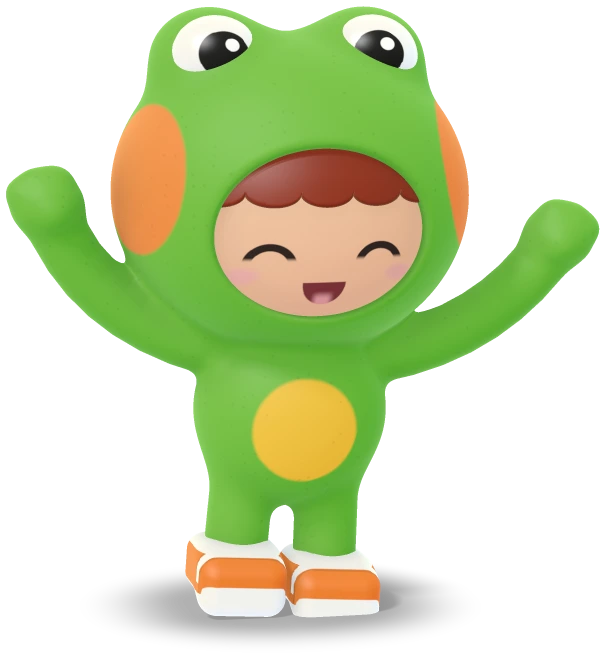
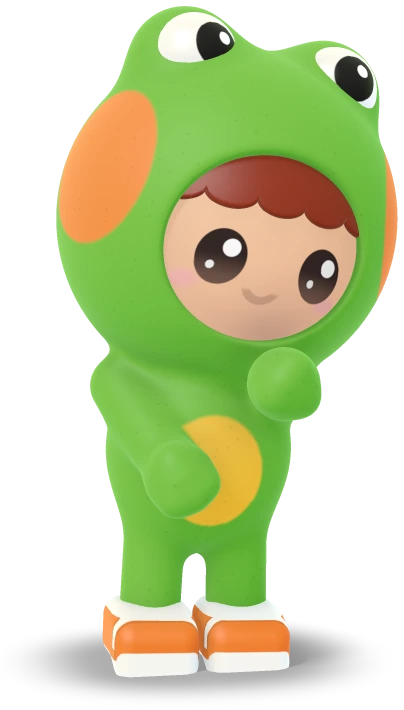
Each child has a buddy, a kid in an animal onesie. It appears on the Today screen, reacts to answers on worksheets and cheers at results and treasure chests. In the My buddy wardrobe a child picks from 10 costumes: Frog, Bear, Bunny and Sprout are free, and Puppy, Tiger, Bird, Panda, Cactus and Flower are unlocked with coins. Hair, skin tone, face, shoes and extras such as glasses, a bow, a scarf or a star badge can be changed too. Coins come only from practice. They cannot be bought with money and have no cash value. Coins also pay for hints.
Yes. A parent can share an invite code or link from Settings. When the new family finishes setup, every child in both families gets 50 coins. Invites come from parents only, not from children.
A short seasonal event from December 19, 2026 to January 10, 2027. Children finish 5 worksheets to win a Snowflake badge for their buddy, and there is a Christmas Eve gift of coins, play minutes and a Santa hat. No purchase is needed.
Plans and billing
Yes, up to five children. Each has their own profile, progress, saved play time and unfinished worksheet. On a shared iPad, children pick their profile from a list. One plan covers the whole family, and its price depends on how many children are on it.
New families get their first week free. You start the free week with Apple and nothing is charged that day. When the week ends, Apple charges for your plan automatically unless you cancel at least 24 hours before it ends. The free week is on the plan you choose, the app shows the date of the first charge when it starts, and each Apple Account gets one free week. Gakumi has two plans, Explorer (learn and earn play time) and Adventure (plus reports and real rewards). One plan covers your whole family, billed monthly or yearly and priced by the number of children (1 to 5). There is no free plan. See the plan prices in the app, set by Apple for your country. Adventure includes gift-card rewards, which you can turn on or off: when your child asks to cash in coins you allow the request, and the Gakumi team sends the card by hand within 24 hours. Plans renew automatically each month or year until you cancel. Apple handles billing and refunds, and you can manage or cancel at any time on your iPhone or iPad in Settings, your name, Subscriptions. If a plan ends, your child's stars and progress stay saved.
Privacy and data
The parent area sits behind a four-digit parent passcode, and repeated wrong tries lock it for longer each time. If you forget it, signing in again lets you set a new one. Each child can also have an optional four-digit PIN for their profile. No lock is perfect, so keep your device passcode private.
There are no ads, and the app has no tracking or analytics software. There is no AI in Gakumi either: every question is written and checked ahead of time, and nothing a child types is sent to an AI. This website uses no cookies or analytics. Gakumi keeps a parent account, the child profiles you create (a name, an age and a buddy look), your family's settings and learning progress so your devices stay in sync. If something goes wrong, like a purchase that fails or a crash, the app sends a short error report with no personal details to our own servers so we can fix it, and it is deleted after 90 days. Apple handles payments and Gakumi never sees card details. The full details are in the privacy policy.
Yes. In the parent area, open Settings and choose to delete the parent account. This permanently deletes the account and the family data Gakumi stores for it, and it cannot be undone. It does not cancel an Apple subscription, so cancel that first on your iPhone or iPad in Settings, your name, Subscriptions. If you signed in with Apple, you may also need to remove Gakumi from Sign in with Apple in your Apple ID settings. Need help? Visit the support page or email gakumi@onvo.ai.
Something else? Visit the support page or email gakumi@onvo.ai.
Learn math, earn screen time
Parents: math practice that earns play time, with you in charge, and less good cop, bad cop, more time together. Kids: your buddy is waiting for the first worksheet.
 Coming to the App Store on December 15.
Gakumi is made for iPad and iPhone. New families get their first week free.